![CR circle transparent background white inside.png]](https://help.classreach.com/hs-fs/hubfs/CR%20circle%20transparent%20background%20white%20inside.png?height=40&name=CR%20circle%20transparent%20background%20white%20inside.png)
There may be times when a former family at your school wants to return. In this case, you will want to unarchive the family rather than creating new profiles as this can become very confusing in ClassReach.
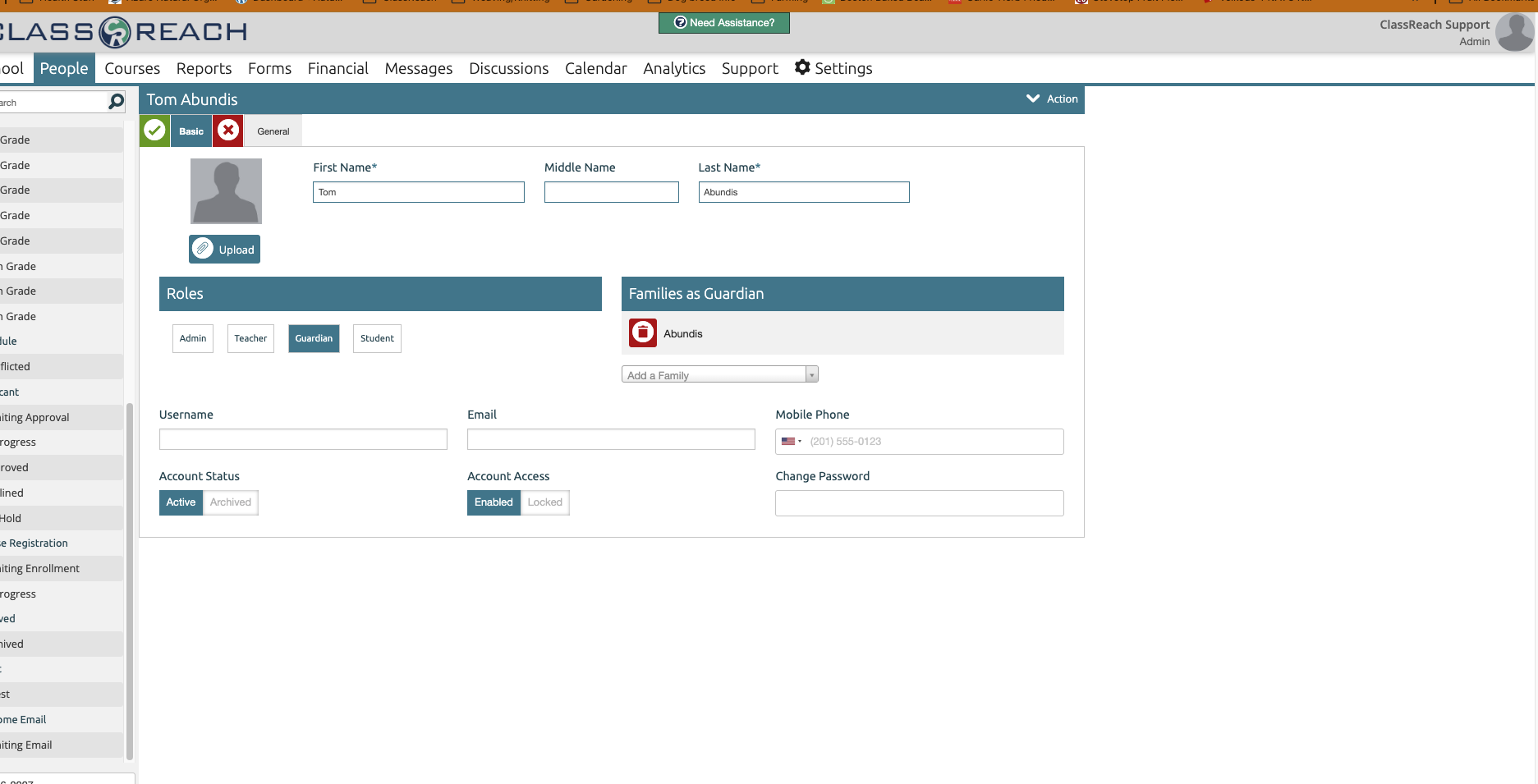
To unarchive a family, you need to unarchive each family member you want to make active again and that will re-activate the family. You can do that by going into each individual on their People>Basic page and then editing and changing their account status to Active/Enabled:
This does NOT apply to archived applicant families however. If you need to have an applicant family unarchived, please submit a Support Ticket and we will take care of that for you.