![CR circle transparent background white inside.png]](https://help.classreach.com/hs-fs/hubfs/CR%20circle%20transparent%20background%20white%20inside.png?height=40&name=CR%20circle%20transparent%20background%20white%20inside.png)
If you attempt to remove the Teacher role from a Guardian/Teacher or Admin/Teacher, the system will not let you and give you the following pop-up menu.
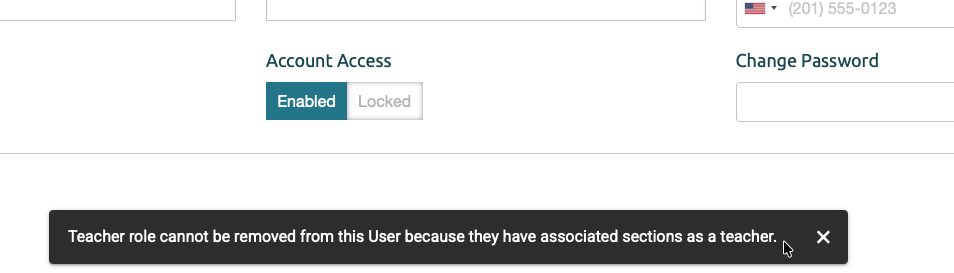
We don't allow the removal of the teacher role, because it will remove them from all sections they taught, which includes past Progress Reports. It would also remove their lesson plans, etc.
If the teacher ONLY has the teacher role and isn't returning, you would just archive that teacher.
If the teacher is also a Guardian and you're not wanting them to have the teacher role anymore, here is what we recommend:
- Remove the Guardian role and family connection from the Teacher User's profile.
- Remove the email address as well.
- Archive that account (this keeps all the past teacher data intact)
- Create a new user profile for the guardian, connecting the family and students.
- Send the guardian a welcome email.
- Ask them to login to their profile and update their user information.
This method will maintain previous messages in that original archived account (up to the normal 2 years max) and they won't have access to them anymore. If the teacher had messages forwarded to their email, they can access them from there or you as an admin will have access to them, as needed.
By adding the "new" guardian account to the ClassReach 'People page' family, that new user will be included in the Financial Family.. We recommend that you check that financial account, make sure it's linked correctly to the new guardian and the previous archived "teacher" account is not listed. If so, we can help you remove it from the Financial family.