![CR circle transparent background white inside.png]](https://help.classreach.com/hs-fs/hubfs/CR%20circle%20transparent%20background%20white%20inside.png?height=40&name=CR%20circle%20transparent%20background%20white%20inside.png)
In this module, you will learn about the People Forms which come in two types - Info Forms and Profile Forms.
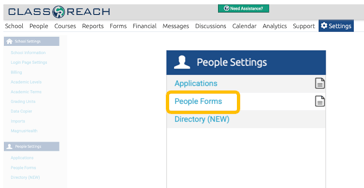
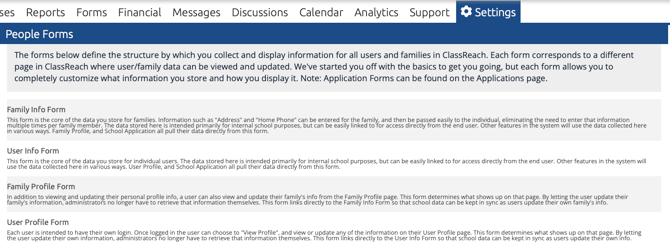
Info Forms (Family and User) are the templates you will use to establish what information you store on families and users. They determine the format of the pages of information and the fields that make them up.
Profile Forms (Family and User) are filtered versions of the Info Forms that can be viewed and edited by the Users themselves. They are also templates that allow or prohibit users from seeing and/or editing their own information (eg, Address, Birthdate, Occupation, Church, etc)
You will also learn how the Info Forms link to the People page, the application forms and Custom Forms and how to edit the People Forms. Click the links below to watch each of the nine videos in Module 2.